Enter your school email and we'll tell you if EDU pricing applies automatically. We don't store or send anything — the check runs right here in your browser.
No student accountsEverInternet downGame keeps goingSix game modesAll freeAny browserNo installNothing leaves the roomBy designLocked-down networksCloud mode covers it
Students
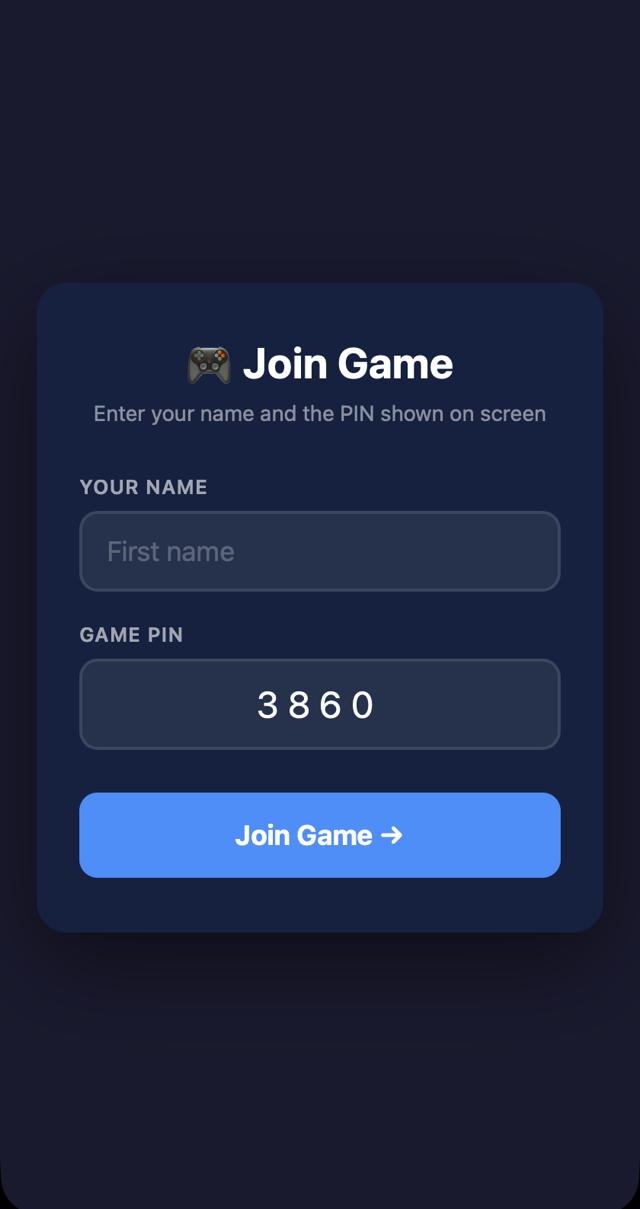
Have a game code?
Your teacher's screen shows a 6-letter code. Type it here and you're in — no account, no app, no download.
Or type the full address — like quizblast.net/r/YOURCODE — into your browser's address bar.
Real footage
Now watch a real game.
Under two minutes, start to finish: set up a game, students join, the board goes up — and both ways a class can get in.
Every piece, at a glance
Phones in. Mac decides. Projector shows.
Three screens, one game. Nothing installs anywhere, and nothing about your students leaves the room.
01
Phones in
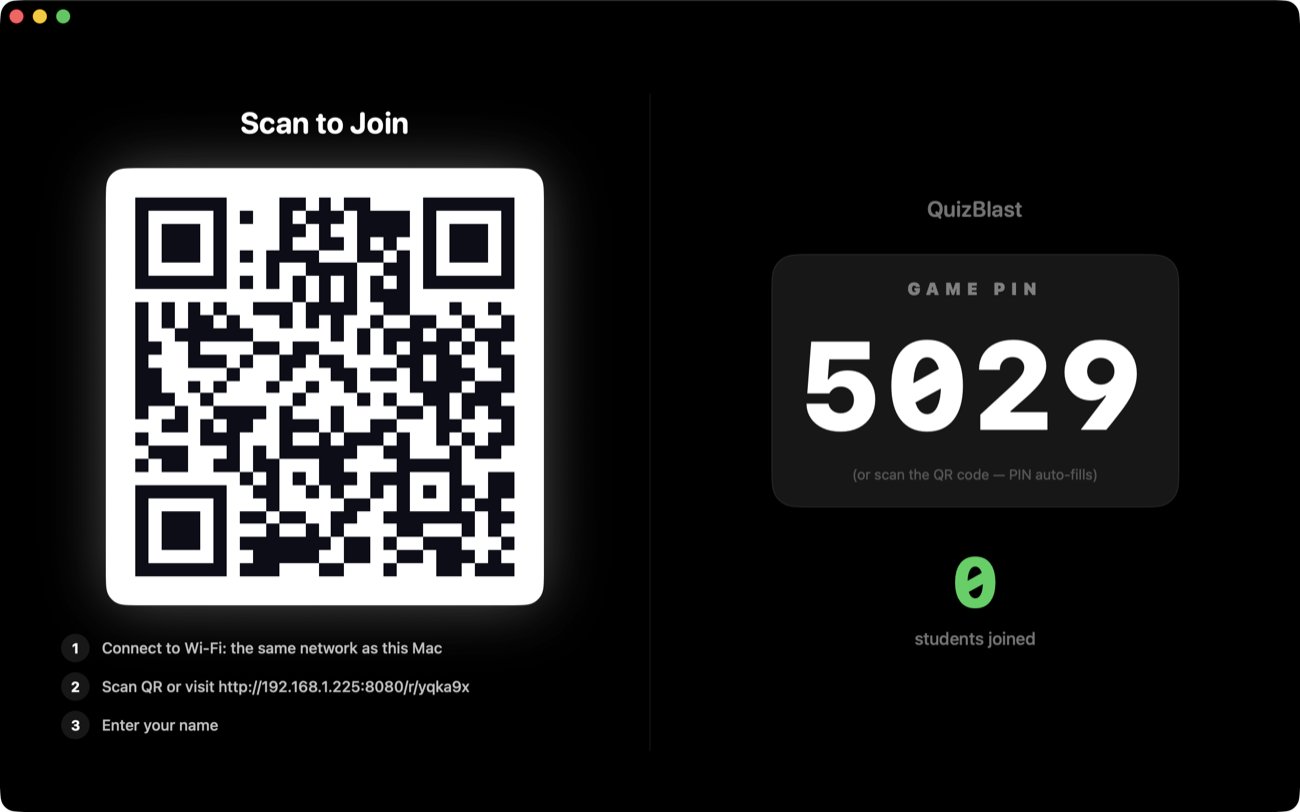
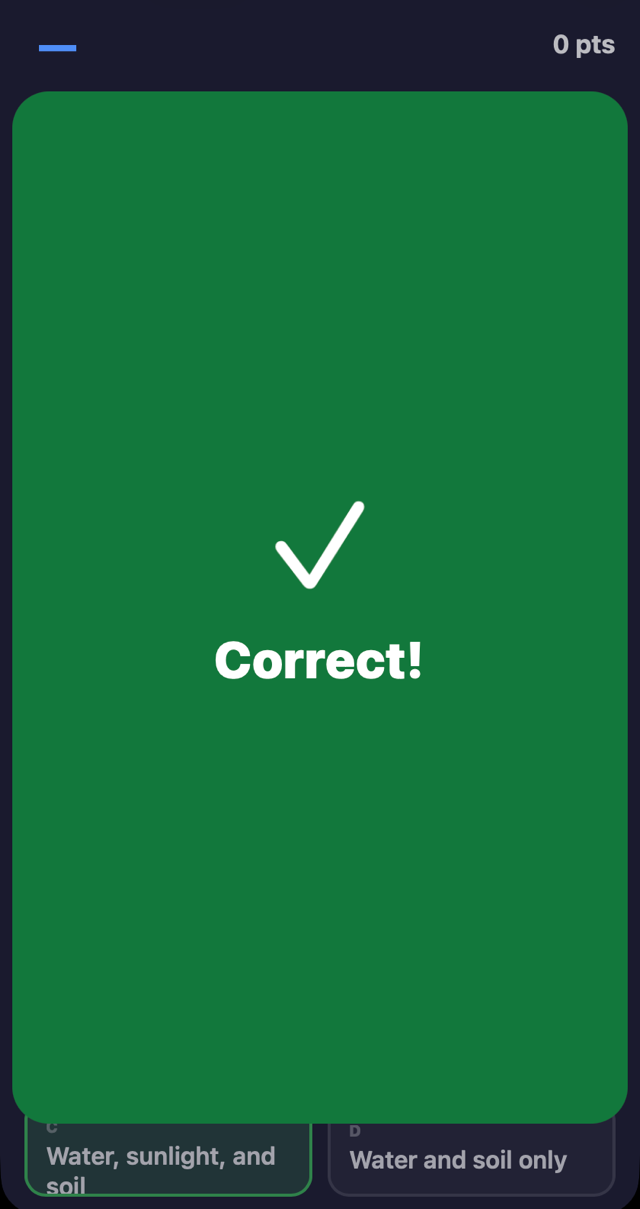
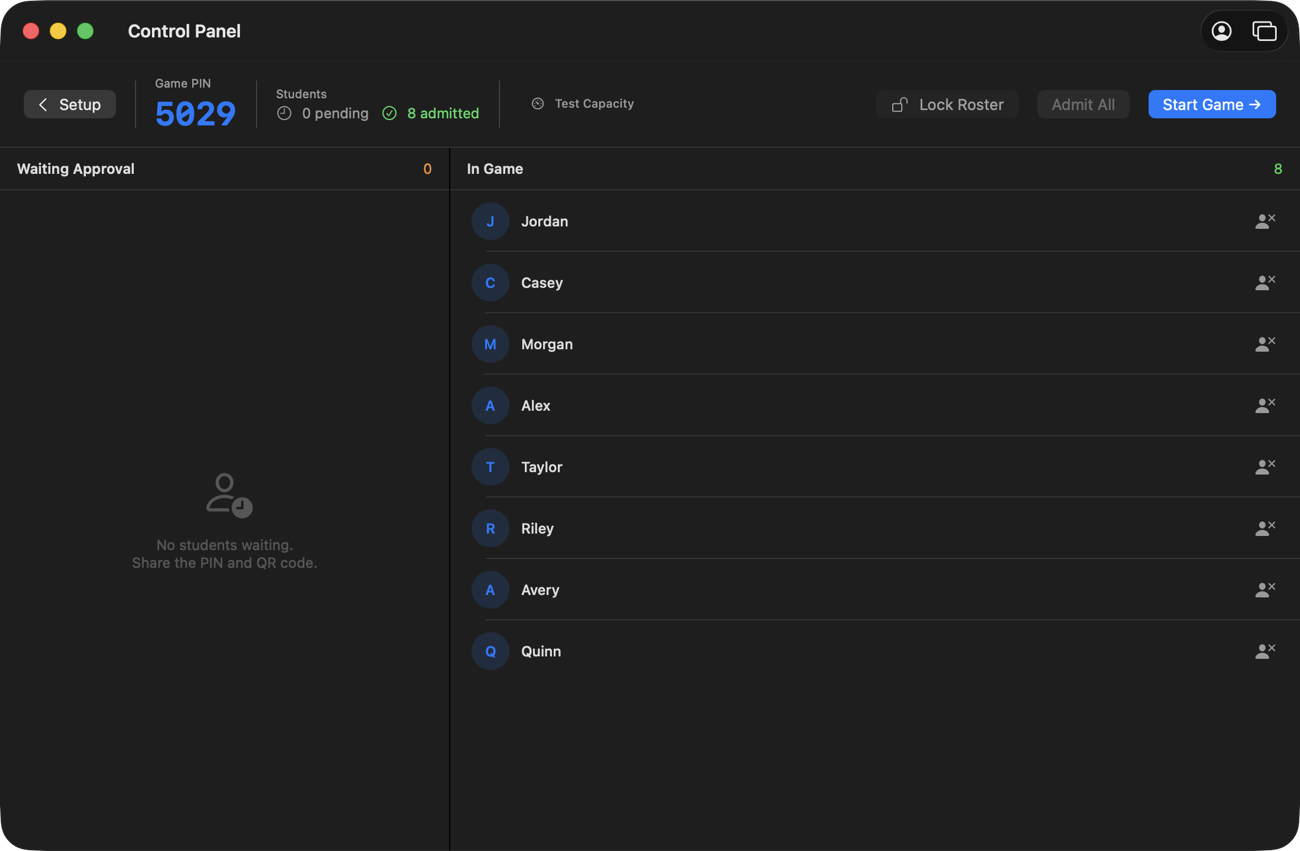
Students open a link or scan the QR and type a first name. No app, no account.
02
Mac decides
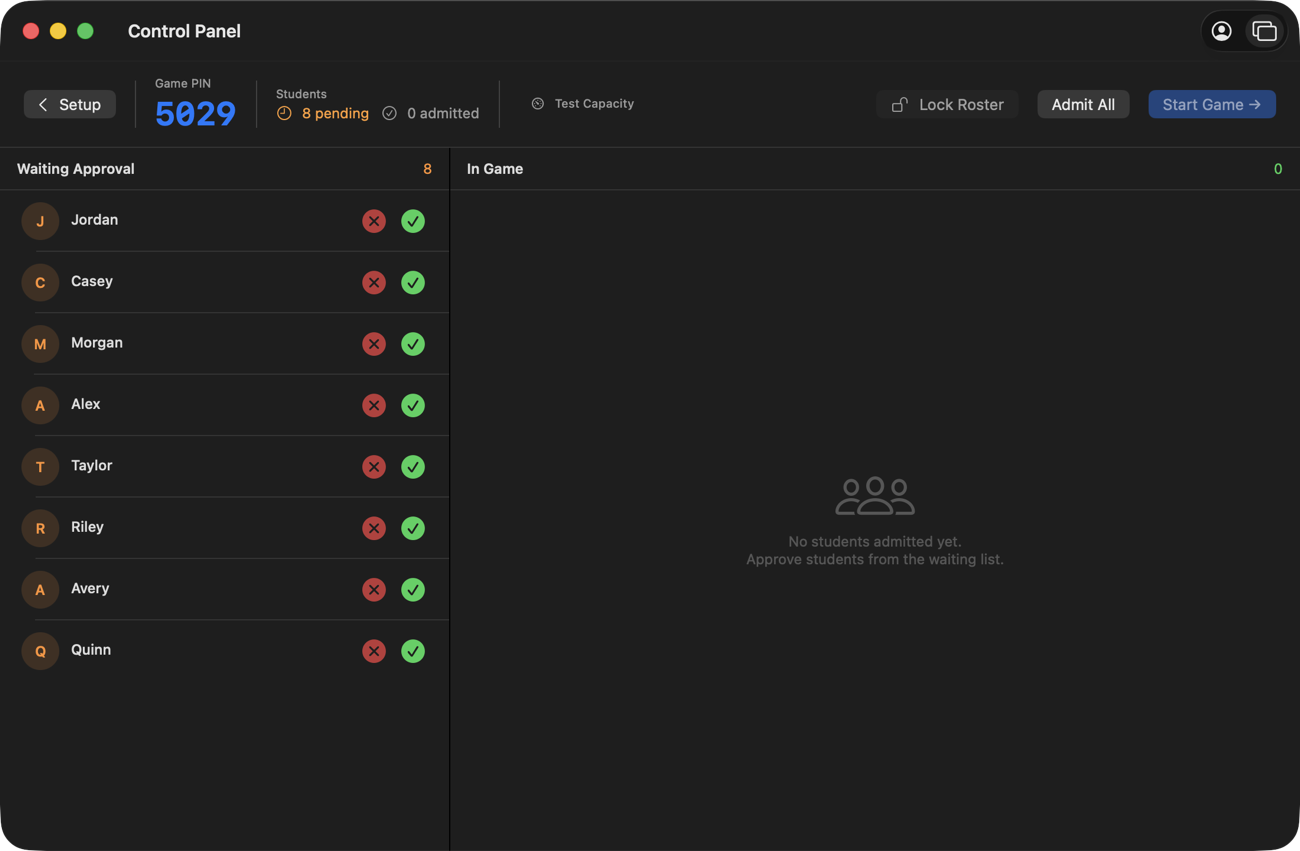
Your Mac runs the whole game: the board, the buzzer order, the scores. It stays on your desk.
03
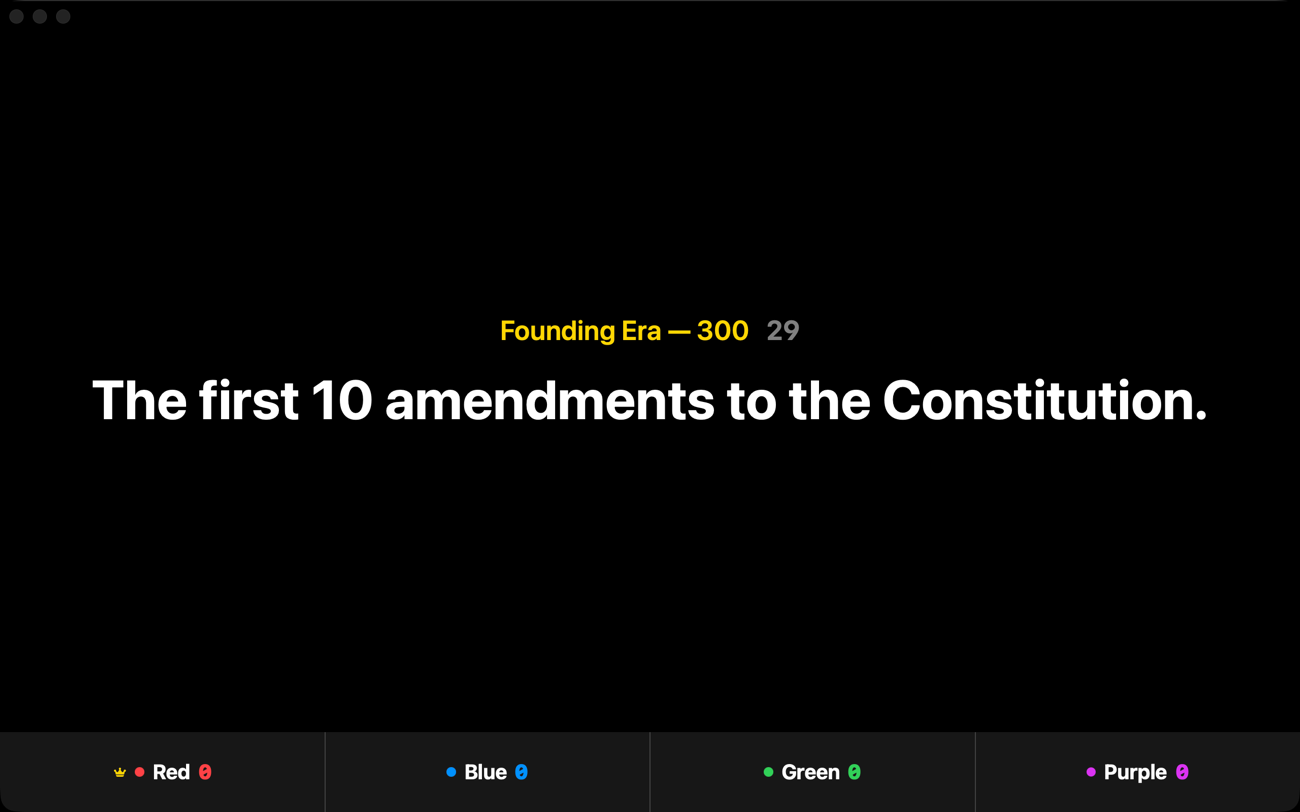
Projector shows
The class sees the clue and the scores. Your answers and controls never go up on the wall.
Every mode included
Six ways to play. Nothing gated.
Team play costs extra on other platforms, and a real Jeopardy board usually means juggling a second website. Here it's one app, and for educators all of it is free.
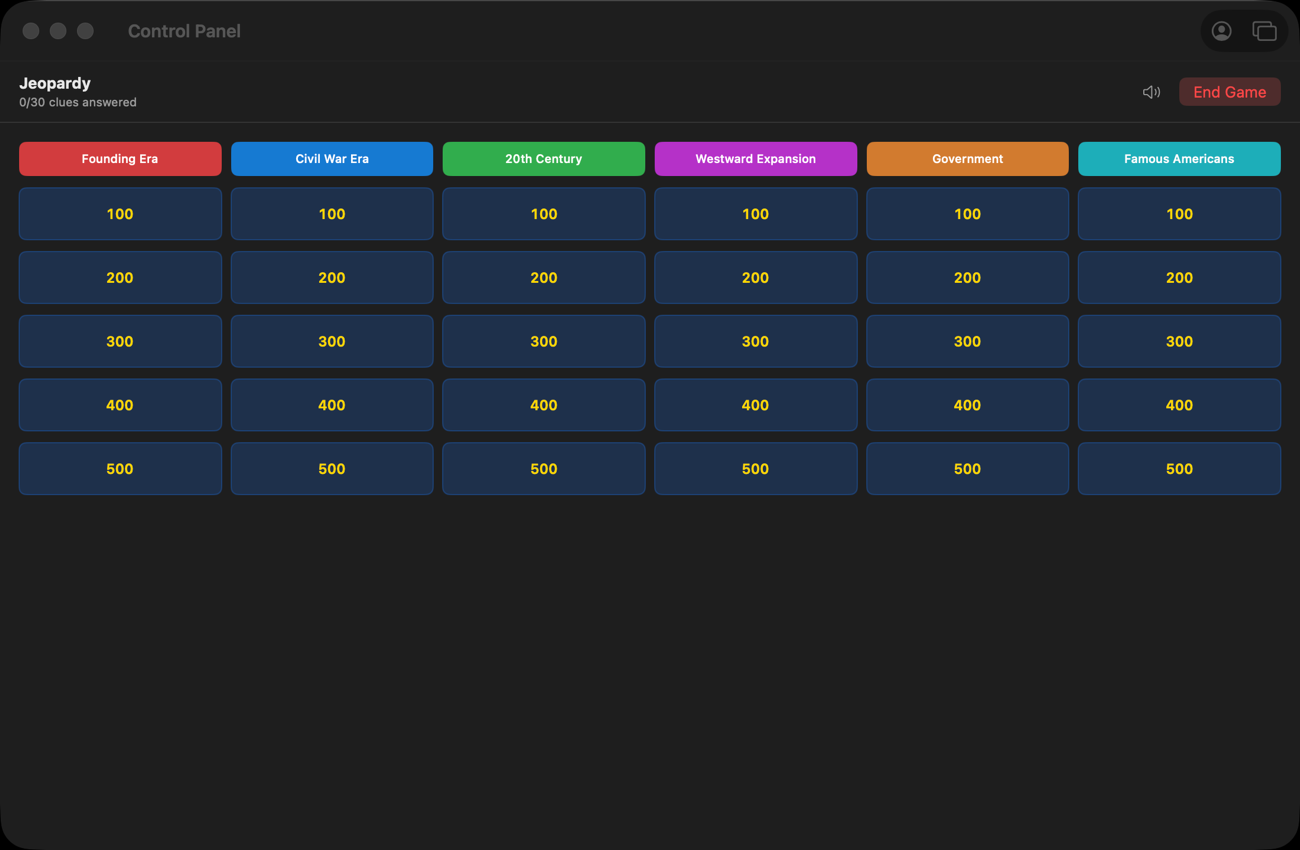
Jeopardy
A full board, teams buzzing in.
Buzzer lockouts, just like the show
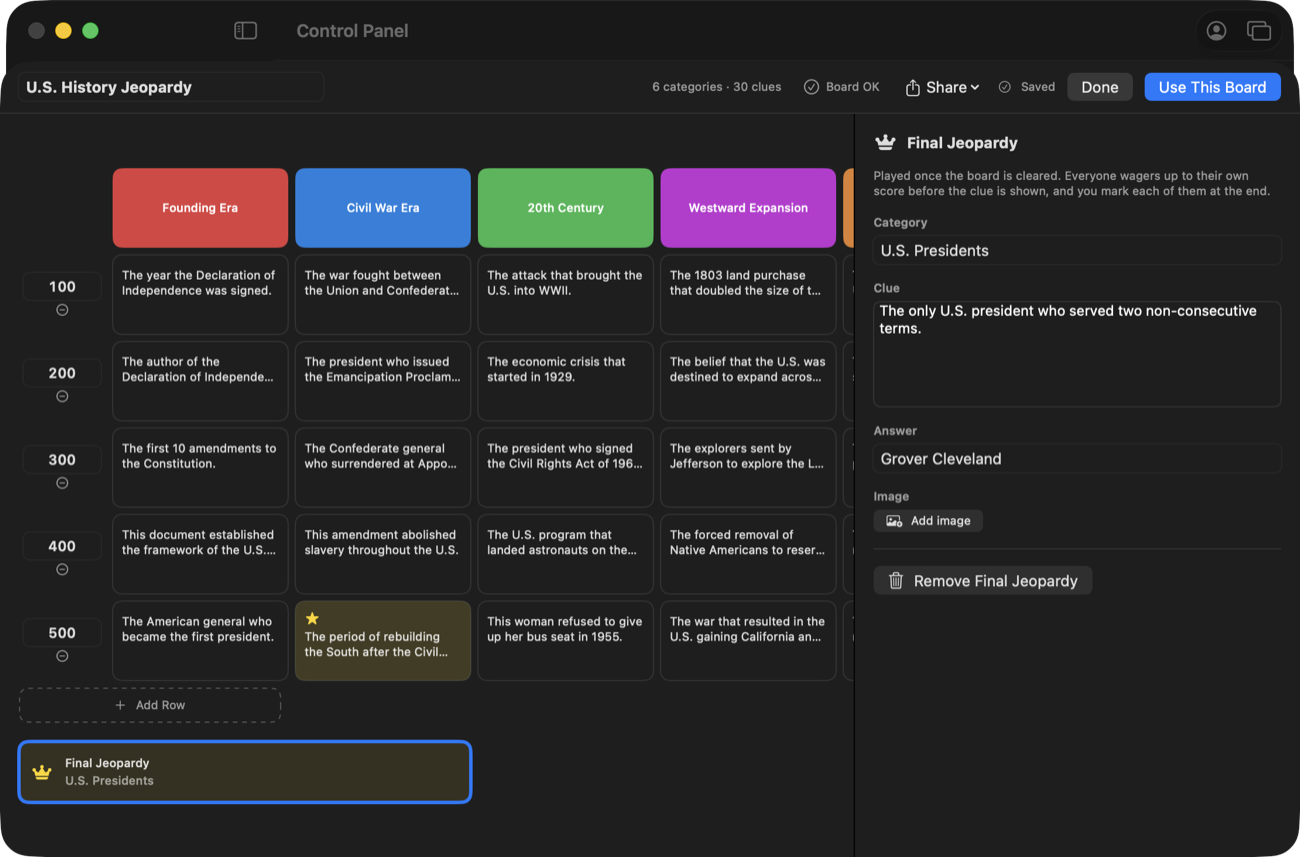
Daily Doubles + Final Jeopardy
Team buzzer
First buzz gets the floor.
Students answer out loud
You judge, the app scores
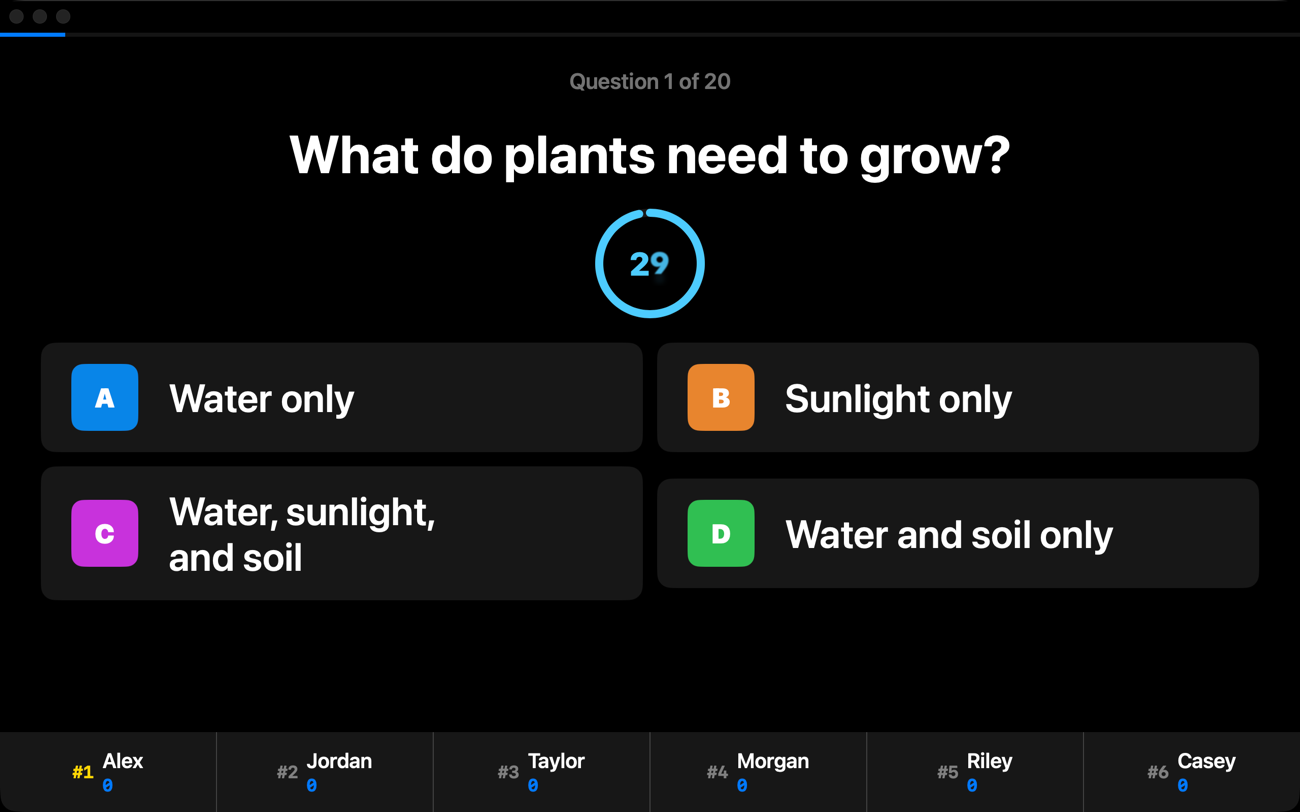
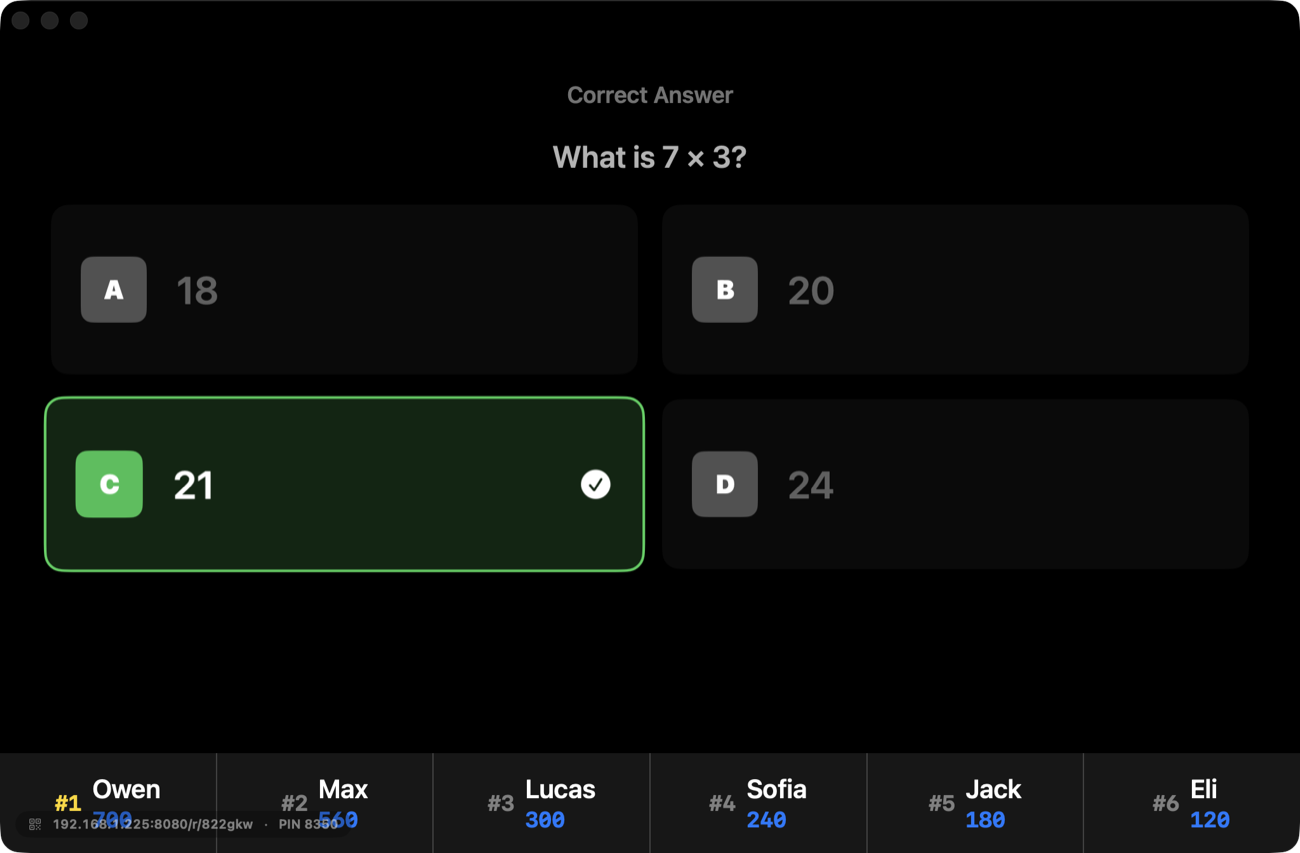
Classic quiz
A/B/C/D, all at once.
Speed bonuses optional
Live leaderboard on screen
Flashcard race
Auto-advancing cards. Fast and correct earns more.
Cards advance on their own
Points for speed
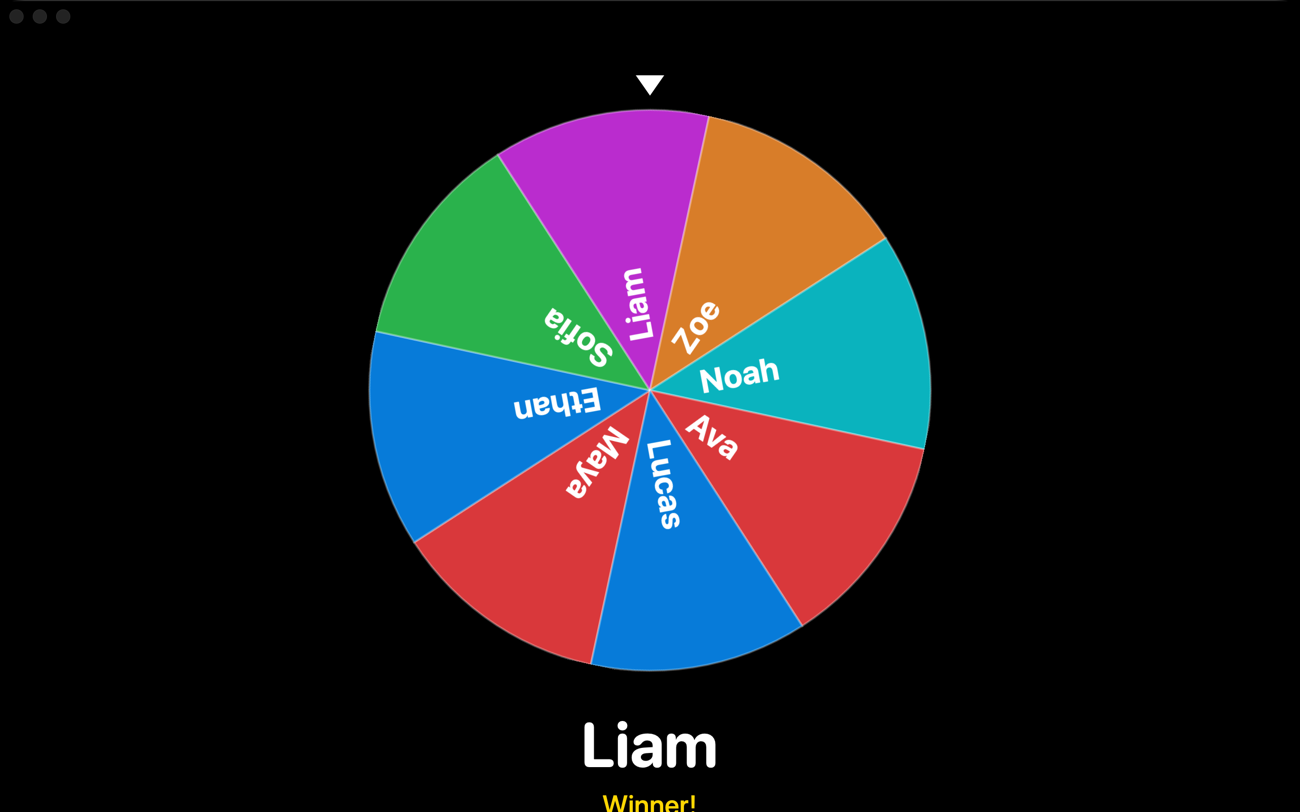
Spin the wheel
Cold calls and Friday rewards.
Random student or elimination
Load your roster in
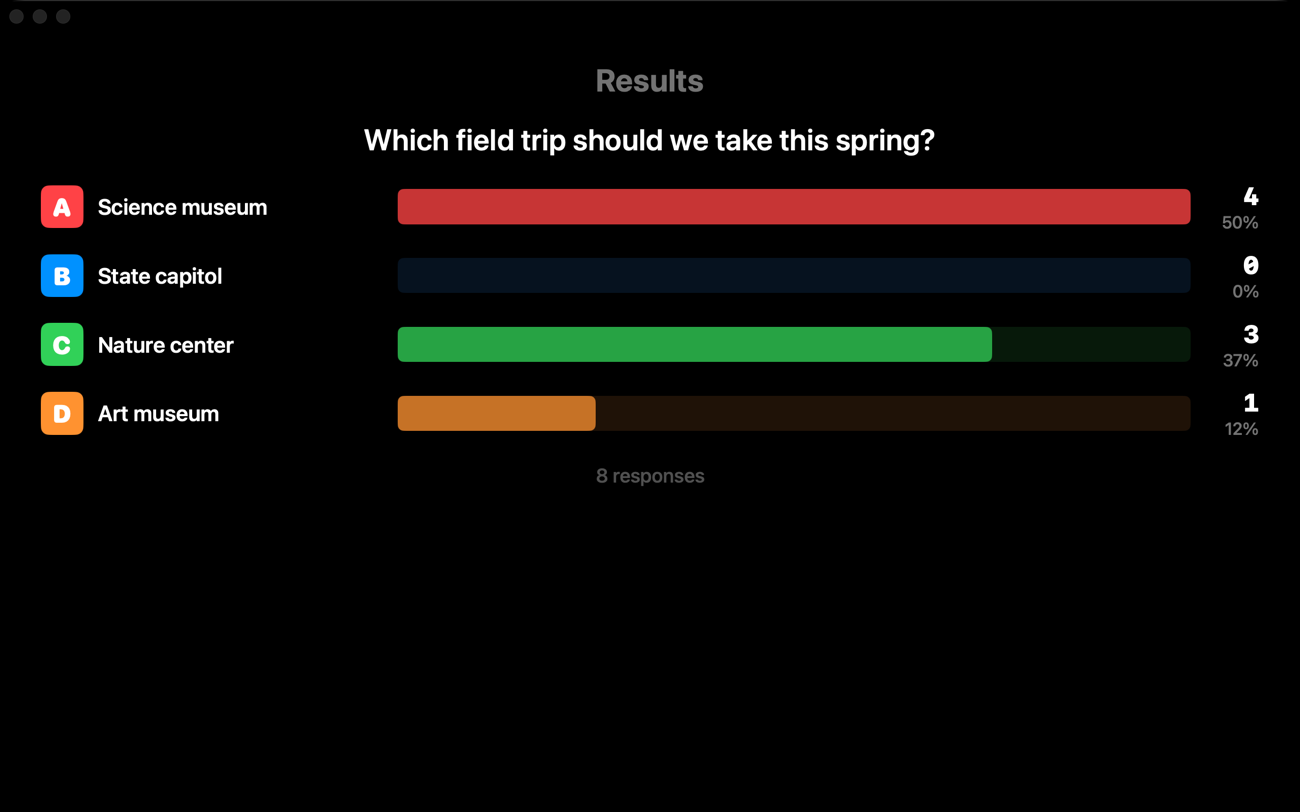
Live polls
Ask anything, watch it fill.
No scoring, no pressure
Bars fill live on screen
Built for what actually happens in class
Made for real classrooms.
01
The internet can go down mid-game and nobody notices.
The game lives on your Mac and your classroom's own network.
02
A late student joins and slots right in.
Unlock the roster for a moment, mid-game — no restart, no lost scores.
03
A dropped phone rejoins with the same name and score.
Reconnects are automatic; nobody re-enters anything.
04
Your answers stay private. The board goes to the screen.
Project the game display; keep the control panel on your Mac.
05
Nothing for IT to provision.
No logins, no rollout, no accounts to manage — the app just runs.
Up and running in minutes
Pick a game. Show the code. Play.
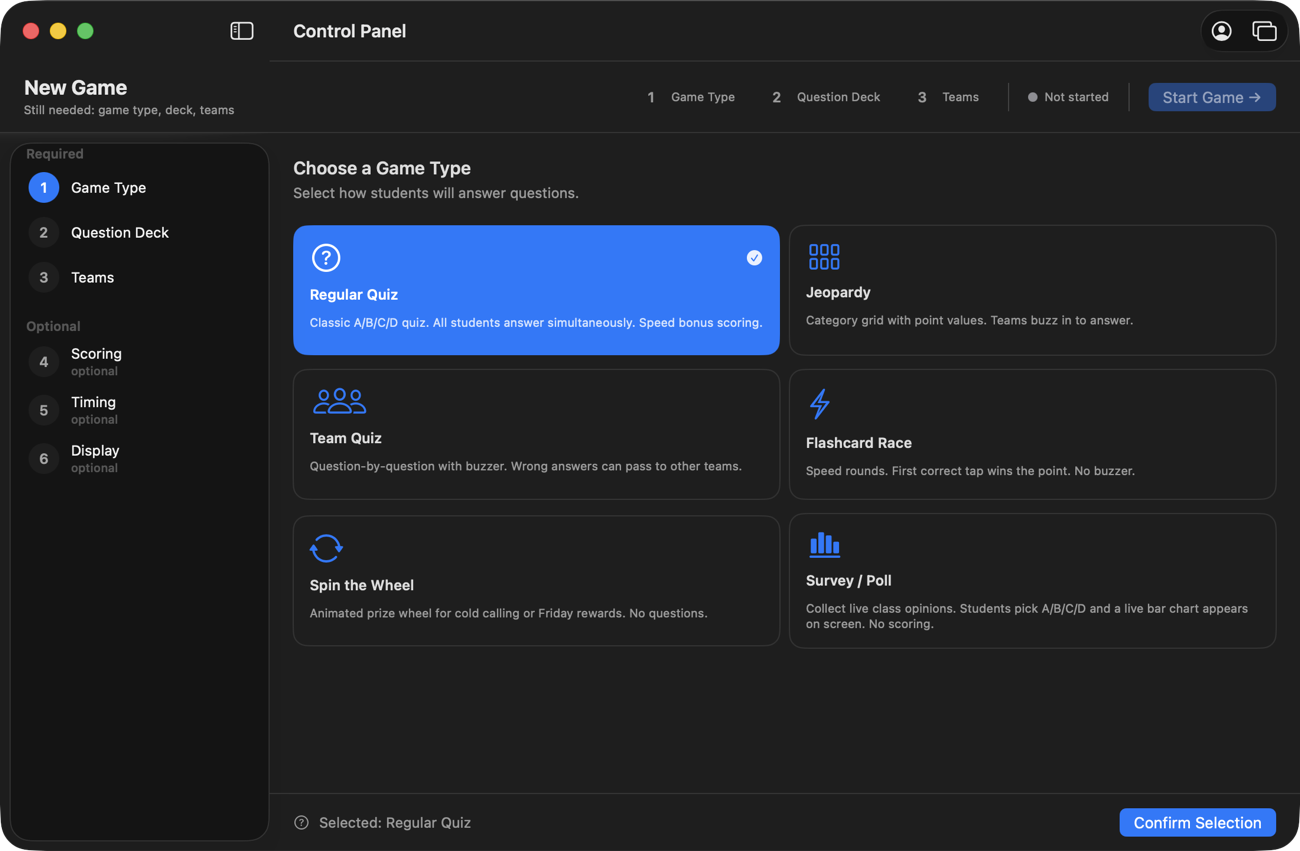
Pick a game
Choose a mode and a deck — or build your own in minutes.
Show the code
Project the QR code. Students scan it and they're in the lobby.
Play
Start the game — the board goes up and the class is playing.
A real Mac app
The app is free. For everyone.
Every game mode, every deck, whole-class games — free, forever. Not a trial, and not just for teachers. The only thing that costs money is the optional cloud service.
QuizBlast for Mac
$0
free for everyone · not a trial
The complete app — all six game modes, nothing gated
25 decks + 8 Jeopardy boards included
Works without internet · your whole class, and then some
Classrooms, trivia nights, youth groups, family game night
No account needed — sign in only if you add Cloud Pro
Launch offer · 50% off, for lifeQuizBlast Cloud Pro
from $10/mofrom $5/mo
optional add-on · the app never requires it · turn it on from inside the app
Students join through quizblast.net from anywhere
Works on locked-down school networks & remote or hybrid classes — students at home join the same game
Up to 60 students per room — a full class, comfortably
Educators: $10/mo or $90/yr$5/mo or $45/yr with the launch offer — school emails (k12, .edu) verify automatically
Personal: $16/mo or $180/yr$8/mo or $90/yr with the launch offer
Districts: volume licensing for your whole staff — every teacher on your domain covered, no rollout. Contact us
Subscribe while the offer lasts and the half price is yours for as long as you keep the subscription — applied automatically at checkout, no code to type.
Turn it on from inside the app after you download
The short version: the app is free, for everyone. Cloud Pro is a separate subscription for joining over the internet — on your own network, the app works completely without it.
Cloud Pro renews automatically at the interval you pick — monthly or yearly — until you cancel, which you can do anytime, and every charge is covered by a 30-day, no-questions refund policy.
Student accounts
0
Game modes
6
For the app
$0
macOS version
14+
Who's behind this
Built by the person who gets the help-desk ticket.
I work in IT for a K‑12 school district. When a classroom tool breaks, my phone is the one that rings — so I know exactly how these tools fail: the Wi‑Fi chokes, the filter blocks the site, the free plan ends mid-semester.
I built QuizBlast to be the tool that doesn't do that. It runs on your Mac, so the internet can't take it down. It has no student accounts, so there's no student data to worry about. And for teachers the app is free — really free — because you already spend too much of your own money on your classroom.
— Erick, builder of QuizBlast
Load-tested on a Mac with every student connected at the same time and a game actually running — not just joining.
300 students at once — 100% stayed connected, question reached everyone within 12 ms
600 students at once — 100% stayed connected, question reached everyone within 23 ms
Run on one Mac over its own loopback, so these numbers measure the app. In a real room your access point gives out long before QuizBlast does — which is what cloud mode is for.
 QuizBlast